

Works beside your tax software
Your tax software and books
stay where they areYour tax program isn't going anywhere
AccrueNest is software for the front of a US accounting firm of 1 to 10 people, and its accounting software integrations are deliberately few: it runs beside your tax software and books, sends each payment to QuickBooks Online as a receipt and hands each signed client on by connector.
- Form 8879 stays in your tax software
- Deposits and invoices posted to QuickBooks

Live in 14 daysMonth to month, no setup fee
- Tax software untouched
- Payments and invoices recorded in QuickBooks
- New clients handed on by a connector
- Each staff mailbox linked once
- Calendars connected in both directions
Changing tax programs in January is how a season goes sideways. AccrueNest leaves Drake, Lacerte, UltraTax CS, ProConnect, CCH Axcess, ATX and your books where they are, and takes the calls, organizers, letters and invoices that sit around the returns themselves.
Five tools, typed twice
Typed once, then handed on
A short map for your staff


What crosses over
Three connections, and which way
What travels from AccrueNest to your other programs, and how.


A client pays a deposit at signing or an invoice by text. The payment shows up in QuickBooks Online as a sales receipt, matched by email address, and invoices appear there once they're sent. QuickBooks sends nothing back.
When a card reaches Engaged, a connector (Zapier or a webhook) can send name, phone number, email address and intake answers to software that accepts them: the program that runs your firm's work, or QuickBooks or Xero.
Staff link their mail a single time, whichever of the two they use. Client emails then show under that client, and replies leave from the usual address. Events on a Google or Outlook calendar block those hours from online booking.
Beside each program
What each tool still does in your firm
A small firm already runs four or five programs. Here is how AccrueNest sits next to the ones that touch clients, and which jobs nobody at the desk types twice anymore.
Your tax software
The returns never move
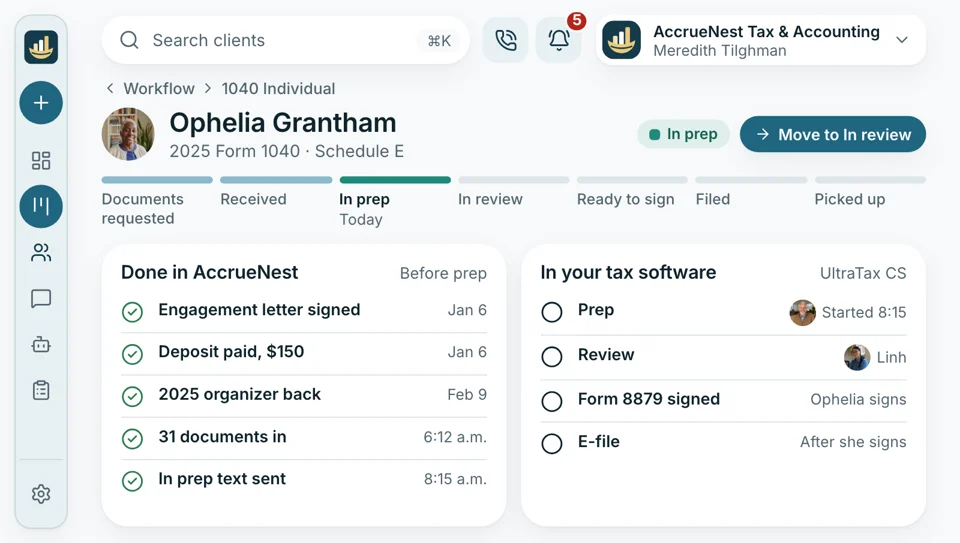
Drake, ProConnect, Lacerte, CCH Axcess, UltraTax CS and ATX keep preparing, e-filing and Form 8879 signing. AccrueNest handles the calls, organizers, letters and payments that come before a return opens.
- Nothing to relearn for your preparers this season
- Client lists come over from a spreadsheet or an export
Phone number
The number on every invoice
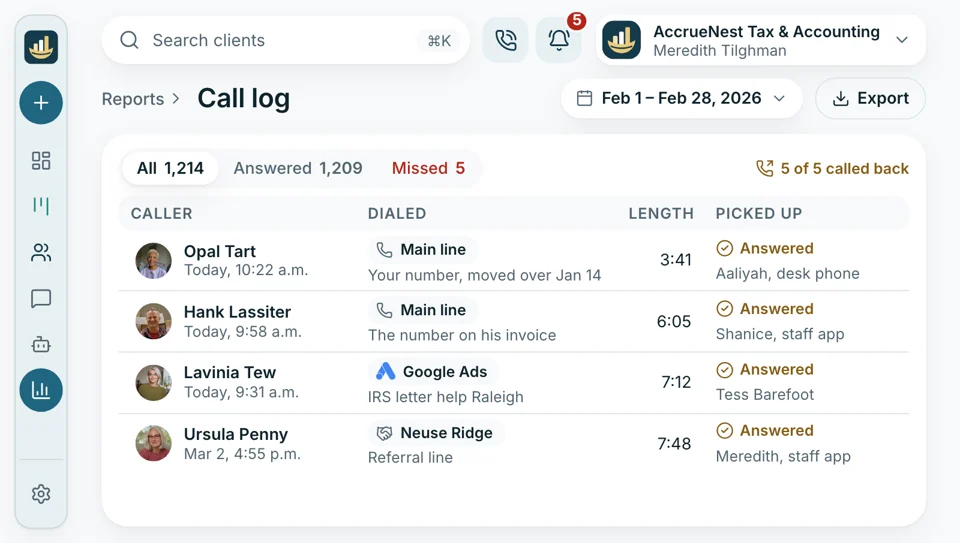
The number on your website, your Maps listing and years of invoices stays yours. We bring it over to AccrueNest's phones; carriers set the pace for that move, so it can run past the 14 days. Extra tracking lines sit on top, a separate one for each ad or referral source, and calls reach staff phones through the app.
- Same number, same clients calling it
- Texting waits for carrier approval of your firm's registration.
Ad accounts
Google and Meta, in your name
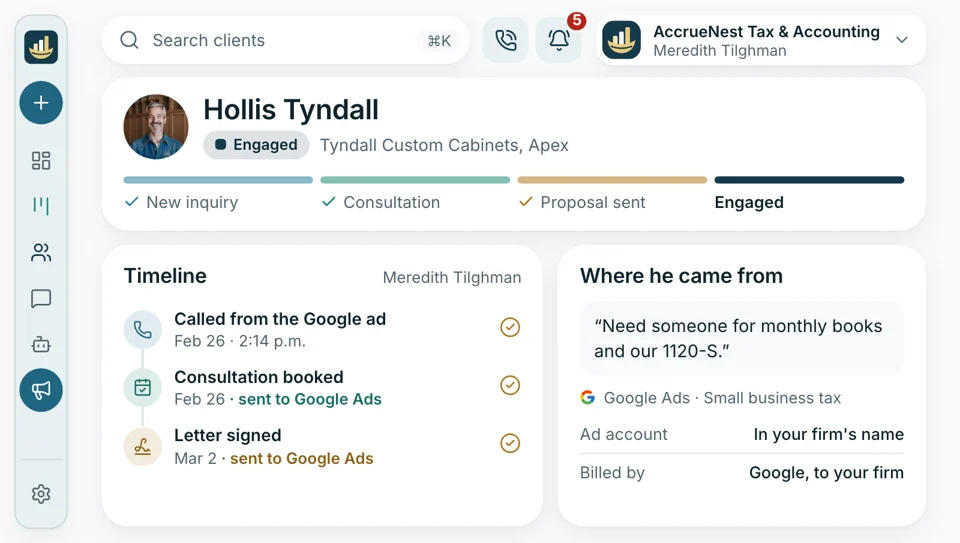
If Google or Facebook ads are already running for your firm, those accounts stay as they are and stay in its name. Our ad rep manages them from within, and Google and Meta keep billing your firm directly. Booked consultations and consenting new clients go back to both as conversions, and no organizer, request form or portal page carries an ad tag.
- Logins and billing remain your firm's own
- Tracking pixels stay off organizers, request forms and every page of the client portal.
Your cell
Texts off the owner's own cell
Plenty of owners still answer clients on a personal cell or a Google Voice line. Here, texts leave under the firm's number and arrive in a shared inbox the front desk can answer. Staff carry calls and texts on their iPhones or Android phones with our mobile app, while the owner's own cell stays private.
- Clients see the office number, never yours
- The personal cell stays out of tax season entirely

Email
Gmail and Outlook stay your mail
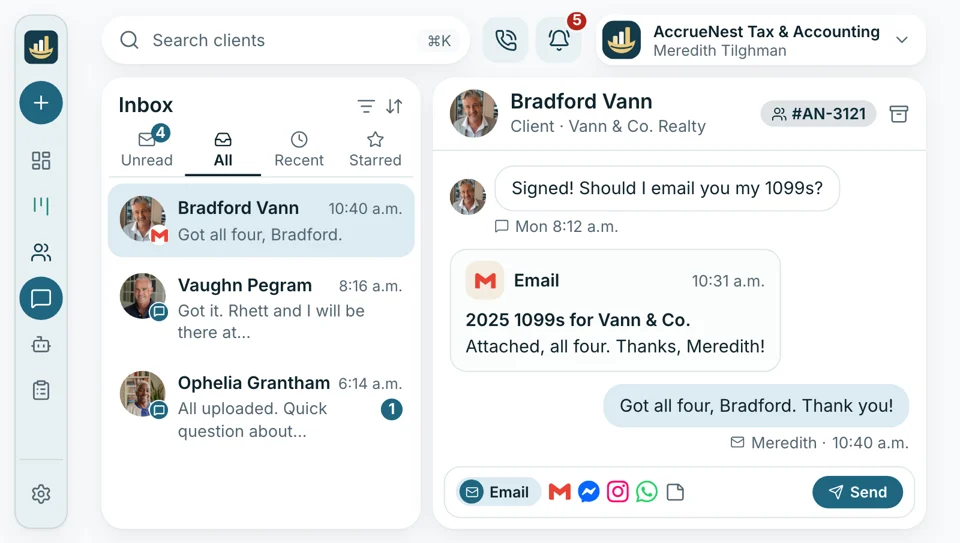
Everyone signs in to Gmail or Outlook from AccrueNest a single time. Emails to and from a client appear on that client's record next to their texts and chats, and answers leave from the address clients already know. Nobody switches mail programs.
- Email threads with a client appear beside their texts and chats on screen.
- Replies leave from your usual address every time.
Google
Reviews
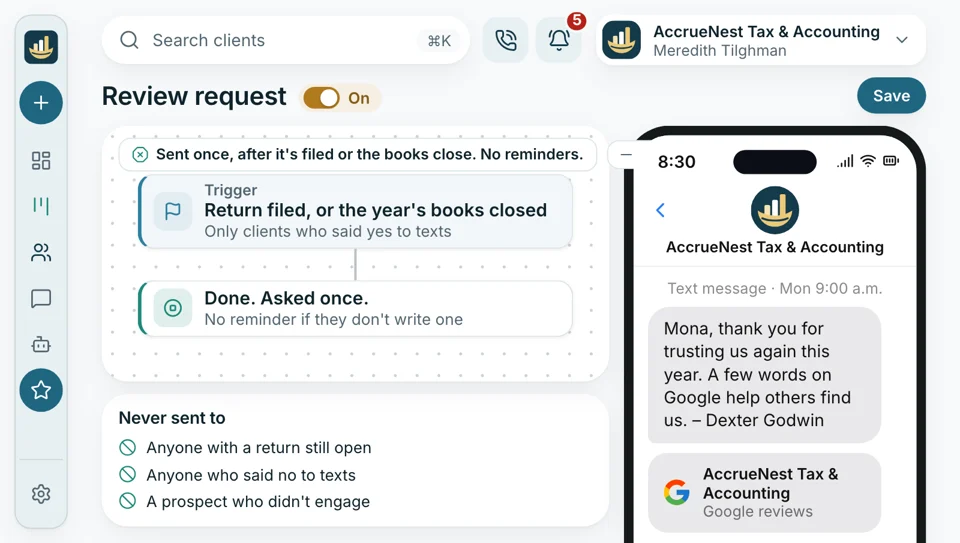
The firm's Google listing belongs to the firm, reviews included. We connect it to AccrueNest, and after a return is filed or the year's books close, clients who gave consent get a short request. Our replies to reviews say nothing about whether the reviewer was ever on your books, and nothing about any return, balance or tax matter.
- Requests reach just the clients who signed your firm's consent form.
- Every reply says nothing about a client's return or balance.


Setup includes
- Your client list imported
- Organizers and engagement letters rebuilt
- Staff training
- Two-step sign-in turned on at setup
- Roles for each person's access
- Changes logged by who made them
Plus the front office tools beside your software
Next to your tax software and books, every plan carries the phones, a website we build, ad campaigns, texting, consultation booking and Google reviews. None of them asks your preparers to change programs or learn a new way to file.

Compatible Software How AccrueNest sits next to the tax program, the books and whatever else your firm runs.
You're hereAlso on the plan
- Phones Desk and mobile calling under the firm's existing number.
- Your website A website built and edited by our staff, with booking and forms that feed AccrueNest.
- Search and Maps Service and city pages, plus the firm's Maps listing, which our writers update.
- Search and social ads Campaigns inside accounts registered to the firm, which Google and Meta bill directly, with booked consultations and consenting new clients reported back as conversions.
- Two-way texting Two-way texts under the office number, read by the whole desk.
- Consultation booking Online booking that respects each preparer's calendar.
- Google reviews Review requests to clients who gave consent, sent when a return goes out or the books close.
Tell us what you run and we'll map it
Send the names of your tax program, books and other tools, and the demo maps each one beside AccrueNest, with the typing your staff can drop. Month to month, no setup fee, live in 14 days.


Nothing had to move

Cornelius B.Owner of a CPA firm, Columbus 0programs we gave upWe kept UltraTax and QuickBooks Online exactly as they were. The only change my preparers noticed was fewer calls about missing documents.

Ezequiel M.Enrolled agent, San Antonio Drakestill runs every returnI was sure a new system meant leaving Drake mid-season. It didn't. Drake still does the returns, and AccrueNest does the phones.

Annika L.Owner of a bookkeeping firm Nonepayments retypedMonthly fees paid through AccrueNest show up in QuickBooks as sales receipts. My bookkeeper stopped retyping deposits every Friday afternoon.

Marguerite D.Office manager, New Orleans Onceeach client typedWe kept our workflow software. Signed clients go over by connector, so nobody enters them a second time.

Prakash S.Tax preparer at a tax office, Edison No retrainingfor the preparersLacerte didn't change at all. What changed is that the client's 1099s and W-2s are already in when I open a return, each under its own name.

Thuy N.Client services lead, Houston, TX 1shared inboxReturns still go out from our tax software. Calls, organizers and letters now happen in AccrueNest.


Software questions
What stays and what connects
Search your program's name, like Lacerte or ProConnect, to see what stays.
6 questions
Does AccrueNest replace Drake, Lacerte or UltraTax CS?
No. AccrueNest sits beside your tax software and your books. New clients, documents, proposals and payments live here; preparing and filing returns, Form 8879 signing, the books and payroll stay in the programs you use now.
Does it replace TaxDome, Karbon, Canopy or Financial Cents?
No, and your firm can keep any of them. AccrueNest handles new clients, the front desk, documents coming in, proposals, payments and marketing, while the returns and monthly work you track there stay there. Once a letter is signed, a connector can pass the client along.
How do QuickBooks Online and Xero fit?
QuickBooks Online receives your payments one way, and Xero gets new clients by connector. Payments taken through AccrueNest appear in QuickBooks as sales receipts, and invoices we send appear there too, so your books pick up the fees without retyping. Nothing comes back from QuickBooks, and invoices drafted before the connection stay out. Xero has no direct link, so your bookkeeper enters payments there the way your firm does today. Either way, the books stay yours.
What about Gmail, Outlook and calendars?
Both connect in both directions. Each person links their Gmail or Outlook mailbox once, so client emails show on the record, and their Google or Outlook calendar keeps busy times off the booking page.
How do new clients move over?
By connector, after the engagement letter comes back signed. A Zapier or webhook step can send the phone number, email and form answers to software that accepts them. Nothing returns the other way.
Can we keep using DocuSign?
Yes, for anything your firm signs there now. Engagement letters sent from AccrueNest are e-signed from the client's own phone, and that signature opens the deposit invoice, moves the client to Engaged and sends the organizer.
Search for
Ask about your software
Send sales@accruenest.com the list of programs your firm uses, and Imogen will explain where each fits.
Imogen PritchardAccount manager
Request a demo